No bank sign-in
There is no required Plaid-style account linking or bank credential handoff.
 Monetor
Track the month on iPhone without linking a bank account. Eligible Apple Pay purchases can arrive through a Wallet automation you set up, and other payments through notifications from apps you choose. Receipt scans and manual entries cover what those routes miss.
A budgeting app without bank linking does not ask for your bank username, password, or a one-time passcode. It does not use Plaid, screen scraping, or another aggregator to sign in to your institution. No bank sync means Monetor never pulls your statement for you.
That is not the same as keeping every record on the phone. Financial records are stored on Monetor’s private backend so they can sync with your account. They do not stay only on your iPhone. The privacy policy names that storage.
There is no required Plaid-style account linking or bank credential handoff.
Past bank transactions are not downloaded. Purchases from before you set up capture are not backfilled.
Monetor cannot match every entry to a bank balance. You review what was captured and add what was missed.
Automatic transaction capture records a purchase as it happens on your iPhone. It is not automatic bank syncing, which would log in to the bank and import the account. Coverage depends on the card, the issuer, the region, the transaction type, the iOS state, and whether the route you turned on actually ran. Both automatic routes are included in the Free plan.
You install Monetor’s Shortcut and create a personal Transaction automation for the cards you choose. When a supported Wallet tap occurs, iOS can pass the details that automation is allowed to see. This is not access to your complete Apple Pay history. Card, issuer, region, transaction type, and connectivity can all stop an event or omit a field. The Apple Pay setup guide has the steps and the misses.
A second Shortcuts automation, “Monetor For Notification,” runs when an app you choose, such as your bank app or Messages, shows a notification. Monetor sends that notification text to an AI service to identify the payment, then saves it or asks you to review it. You pick the apps, and you can remove them in Shortcuts. A payment with no notification is not captured, and older notifications are not imported. The privacy policy explains what is sent.
Scan a receipt for a purchase the automation did not catch. Confirm the merchant, date, total, tax, and line items before saving. OCR can miss wrinkled, faded, or unusual receipts.
Add cash, transfers, fees, subscriptions, and any unsupported purchase yourself. Manual entry is how the month stays complete when automation stops. For a weekly routine that combines all four, read how to track expenses without a bank connection.
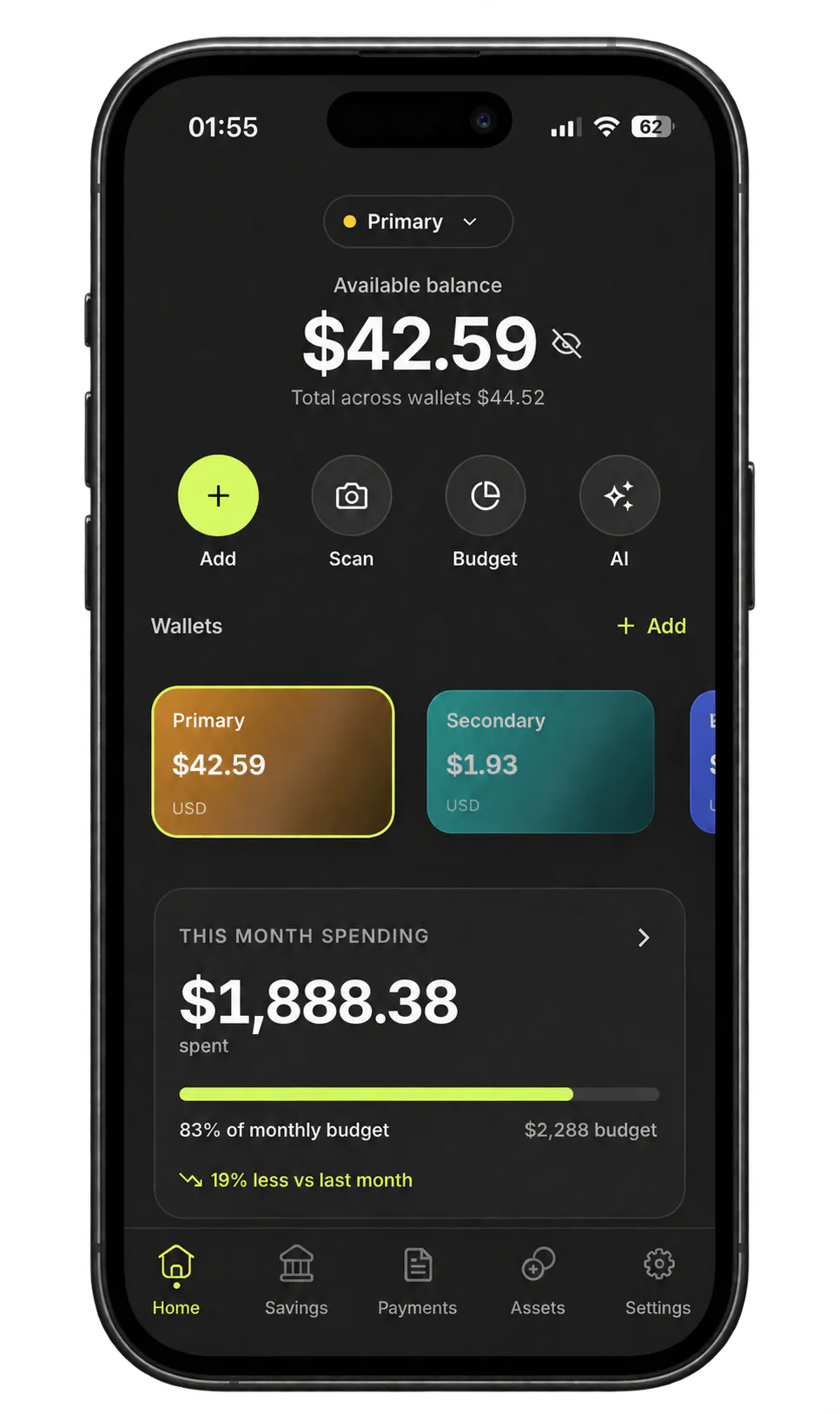
Bank sync can bring history, balances, and later transactions where the connection works. Monetor does not do that. You keep the boundary. You take the gaps.
Connected apps such as Copilot Money and YNAB can use linked accounts. Those comparisons were checked on August 29, 2026, and they link to the official sources. Choose a connected app when you want that history and you accept the login. This page is not a ranking of budgeting apps.
| Capture model | What it does well | Tradeoff |
|---|---|---|
| Manual entry | Any purchase you remember to add, including cash, with no bank login. | A forgotten purchase is a missing purchase. |
| Receipt OCR | Turns a receipt you photograph into an editable draft. | You still review it. Poor photos extract poorly. |
| Wallet Shortcut | Can record an eligible Apple Pay tap when your automation runs, without Plaid. | Not complete Wallet history, cash, every subscription, or every issuer. |
| Payment notifications | Can record a payment from a notification of an app you chose, such as a bank app or Messages. | No notification means no capture. The notification text is processed by an AI service. |
| Bank aggregator | Account history, balances, and later transactions where the institution connects. | You authorize a provider. Coverage depends on the bank and the connection. |
This is a fit when sharing a bank login is a hard boundary, or when your bank is poorly served by aggregators. It is also a fit when the month mixes Apple Pay, cash, receipts, and more than one currency.
Choose a connected app instead when you need the bank’s history, live balances, or reconciliation and you are willing to link the account. A finance app without bank connection will not reconstruct that statement for you.
Yes. Monetor does not use Plaid or ask you to link a bank. Eligible new purchases can come from a Wallet automation or from payment notifications of apps you choose. The rest is a receipt or a manual entry.
Yes. There is no bank sync. You do not get historical transactions or an automatic balance check. The ledger is only as complete as the captures and entries you make.
Yes. Spending can be tracked on iPhone without linking a bank account. The account itself still syncs through Monetor’s private backend. That is not an on-device-only app.
Monetor is in early access on iPhone. Join and we’ll email you when it’s on the App Store.